
Systems Administration Learning Path for IT Students
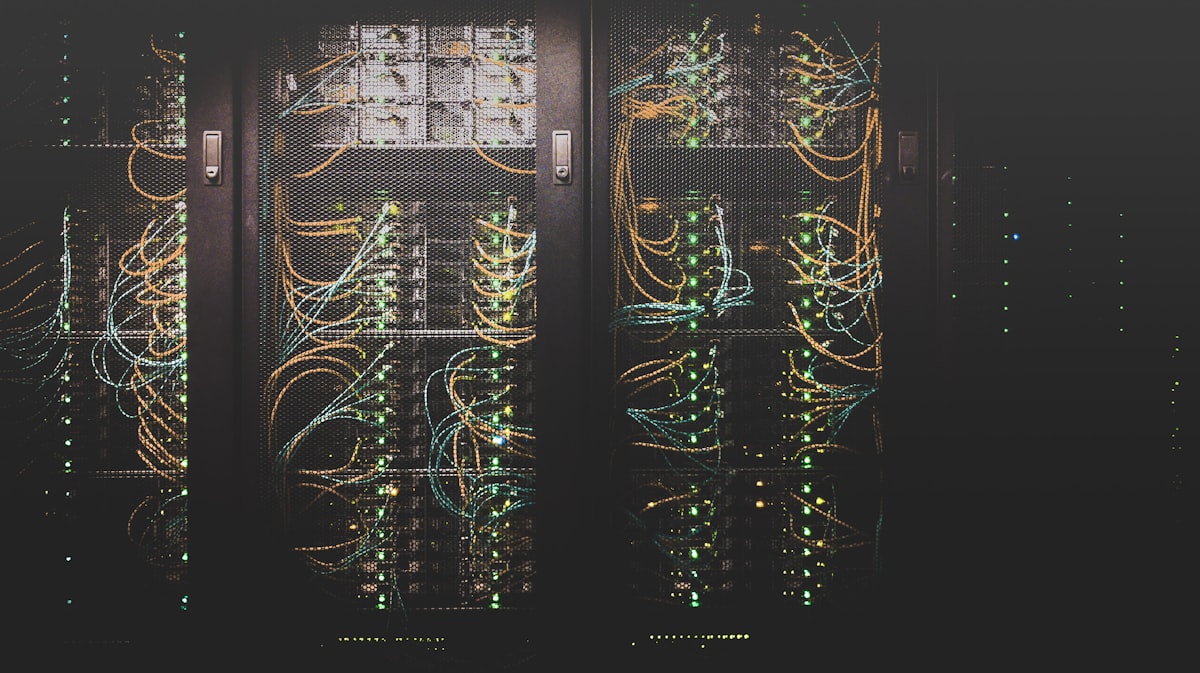
Systems administration requires understanding how different operating systems work, how to troubleshoot issues, and how to configure systems for reliability. As an IT student, gaining practical exposure to Linux, Windows, and macOS systems provides a foundation for professional work.
Multi-Platform Experience
Working with multiple operating systems develops flexibility and a deeper understanding of system concepts:
Linux Systems
Linux administration involves:
- Command-line interface usage
- Package management
- Service configuration
- File system permissions
- Network configuration
Windows Systems
Windows administration includes:
- Active Directory concepts
- PowerShell scripting
- Windows services management
- Registry configuration
- Group policy management
macOS Systems
macOS administration covers:
- System preferences and configuration
- Terminal usage
- Application management
- Network configuration
- Security settings
Practical Skills Development
Troubleshooting
Troubleshooting skills develop through:
- Identifying system issues
- Using diagnostic tools
- Reviewing system logs
- Understanding error messages
- Applying systematic problem-solving approaches
Configuration Management
Configuration work involves:
- Understanding system settings
- Applying security best practices
- Documenting configuration changes
- Testing configuration modifications
- Maintaining configuration consistency
Reliability Considerations
Reliability work includes:
- Understanding system dependencies
- Planning for failure scenarios
- Implementing backup strategies
- Monitoring system health
- Planning maintenance windows
Academic and Personal Context
Academic coursework provides structured learning opportunities, while personal projects allow for experimentation and deeper exploration of specific topics. Both contexts contribute to developing practical systems administration skills.
Professional Application
The skills developed through academic and personal work translate to professional contexts:
- Supporting production systems
- Troubleshooting user issues
- Implementing system improvements
- Maintaining system documentation
- Contributing to infrastructure decisions
Key Takeaways
- Multi-platform experience is valuable: Understanding different operating systems provides flexibility
- Troubleshooting is a core skill: Systematic problem-solving approaches are essential
- Documentation supports reliability: Clear documentation helps maintain systems over time
- Practical experience complements theory: Hands-on work reinforces academic learning
Conclusion
Systems administration requires both theoretical understanding and practical experience. By working with Linux, Windows, and macOS systems through troubleshooting, configuration, and reliability work, IT students can develop the skills needed for professional systems administration roles.