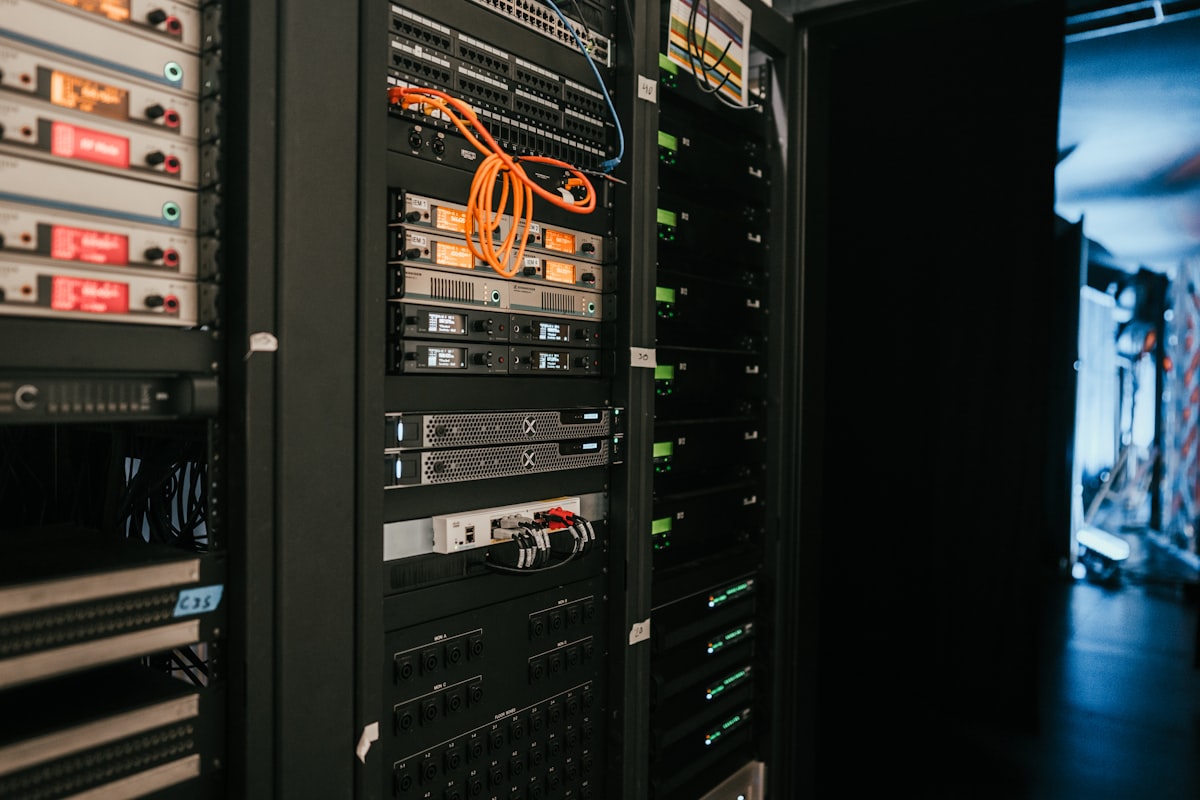
My homelab runs on a Dell Optiplex with Proxmox VE. It is a small machine, but it supports six services my household actually uses: Jellyfin, Pi-hole, Home Assistant, Homebridge, BookStack, and Uptime Kuma.
I originally separated services into individual LXC containers. That gave each application a clear boundary, but it also gave me several small systems to patch, inspect, document, and recover. I eventually moved the services into one Docker stack on the Proxmox node.
The migration was not about fitting more logos onto a dashboard. It was about reducing the number of places where routine maintenance could hide.
LXC separation was useful until it became overhead
#Running one service per LXC container made sense while I was learning the stack. Each container had a narrow job, and a problem in one service was easier to separate from the others. Proxmox also made the boundaries visible from one interface.
The cost showed up over time. Every LXC was another operating-system environment with its own packages, updates, configuration, and failure state. Even when the applications were healthy, I still had to remember how each container had been built and where its persistent data lived.
That is manageable for one or two services. With six services, the infrastructure around the applications started taking more attention than the applications themselves.
The repeated questions were simple:
- Which container needs an update?
- Where is this service’s configuration stored?
- Which dependencies belong to the host, and which belong to the application?
- If I rebuild this container, what has to be restored?
- How do I confirm every household service came back after maintenance?
The problem was not that LXC had failed. The operating model no longer matched the size and purpose of the homelab.
One stack gave the services a shared operating model
#I kept Proxmox as the virtualization layer and consolidated the applications into a unified Docker stack. Proxmox still owns the node and its resources. Docker now owns the application lifecycle inside that environment.
That split gives each layer a clearer responsibility:
- Proxmox VE provides the host platform and the boundary around the workload.
- Docker packages and runs the services with a consistent deployment model.
- Persistent storage keeps application data separate from disposable containers.
- BookStack holds the runbooks, service notes, and rebuild instructions.
- Uptime Kuma checks whether the services are reachable after a change.
The six applications do different jobs, but they no longer require six different maintenance habits. I can reason about them as one stack while keeping their configurations and data distinct.
That is the main benefit of consolidation: fewer operational patterns, not fewer service boundaries.
The services have different consequences when they fail
#Putting the applications in one stack did not make them equally important.
Jellyfin serves a personal media library. If it is down briefly, the impact is inconvenient but limited. Pi-hole acts as the local DNS resolver and provides network-level filtering, so a bad change there can feel like the whole internet is broken. Home Assistant and Homebridge connect household devices and interfaces, which makes availability noticeable even to someone who never opens Proxmox.
BookStack and Uptime Kuma support the rest of the system. BookStack answers how a service was configured and how to rebuild it. Uptime Kuma answers whether the service is available now. One preserves operating knowledge; the other shortens the time between a failure and noticing it.
This is why a homelab becomes real systems-administration practice. The hardware can be small, but the services still have users, dependencies, and different recovery priorities.
Network resilience matters more than container count
#The Docker migration simplified application management, but the most important availability boundary sits outside Docker.
I use subnet static routing so household service availability is isolated from upstream failures. Local services should not become unreachable just because an external connection or upstream path has a problem. That is especially important for DNS filtering and home automation, where a local dependency can affect many devices at once.
This changed how I think about resilience. A container reporting “running” is only one layer of the answer. A useful service also needs working storage, name resolution, network paths, and a client that can reach it.
Uptime Kuma helps test the service-facing side of that chain. Proxmox and Docker show whether the workload is running. Monitoring shows whether the result is actually reachable. Those are related checks, but they are not interchangeable.
Consolidation also creates a larger failure domain
#The new design is easier to operate, but it has a clear tradeoff: more services now share the same Docker environment.
With separate LXC containers, one container could be restarted or rebuilt without touching the others. A shared stack makes coordinated updates simpler, but a bad host-level change can affect several services at once. Consolidation reduces routine overhead by accepting a larger common failure domain.
That tradeoff is reasonable for this homelab because the stack is modest, the services are related, and I am the only administrator. It would need to be reconsidered if one workload required stronger isolation, a different maintenance window, or resources that could interfere with the rest of the node.
The important part is making the tradeoff explicit. “Fewer things to manage” and “fewer things that can fail” are not the same claim.
Documentation is part of the recovery plan
#Moving services is the visible work. Recording how to recover them is what makes the migration durable.
I use BookStack for the details that are easy to remember while a system is working and difficult to reconstruct during an outage: service purpose, configuration locations, dependencies, update steps, and rebuild notes. The documentation lives on the same homelab, so it is not the only copy I should depend on during a complete node failure, but it remains the working reference for routine maintenance.
The best test of a runbook is whether it removes a decision from the next recovery. A note that says “fix Docker” is not useful. A note that identifies the service, its persistent data, its dependencies, and the check that proves recovery gives me a path back to normal operation.
What the migration changed
#The final stack is not more impressive because it uses Docker. It is better because the operating model is easier to explain and repeat.
The migration gave me:
- One application lifecycle. The services use a consistent container workflow instead of separate host environments.
- Clearer recovery boundaries. Application containers are replaceable while persistent data and configuration are treated separately.
- Central monitoring. Uptime Kuma checks the services from the user’s side, not just the process list.
- A documentation habit. BookStack records how the system is maintained and rebuilt.
- An explicit tradeoff. Routine work is simpler, while the shared Docker environment is a larger failure domain.
The Dell Optiplex still runs 24/7, and the household services still do the same jobs. The improvement is in everything around them: fewer maintenance paths, clearer responsibilities, and a more deliberate way to detect and recover from failure.
That is the part of self-hosting I find most useful. A homelab is not only a place to install software. It is a place to practice choosing boundaries, operating within constraints, and leaving the system easier to understand than it was before.